
How to Use Price Transparency Tools to Compare Drug Costs
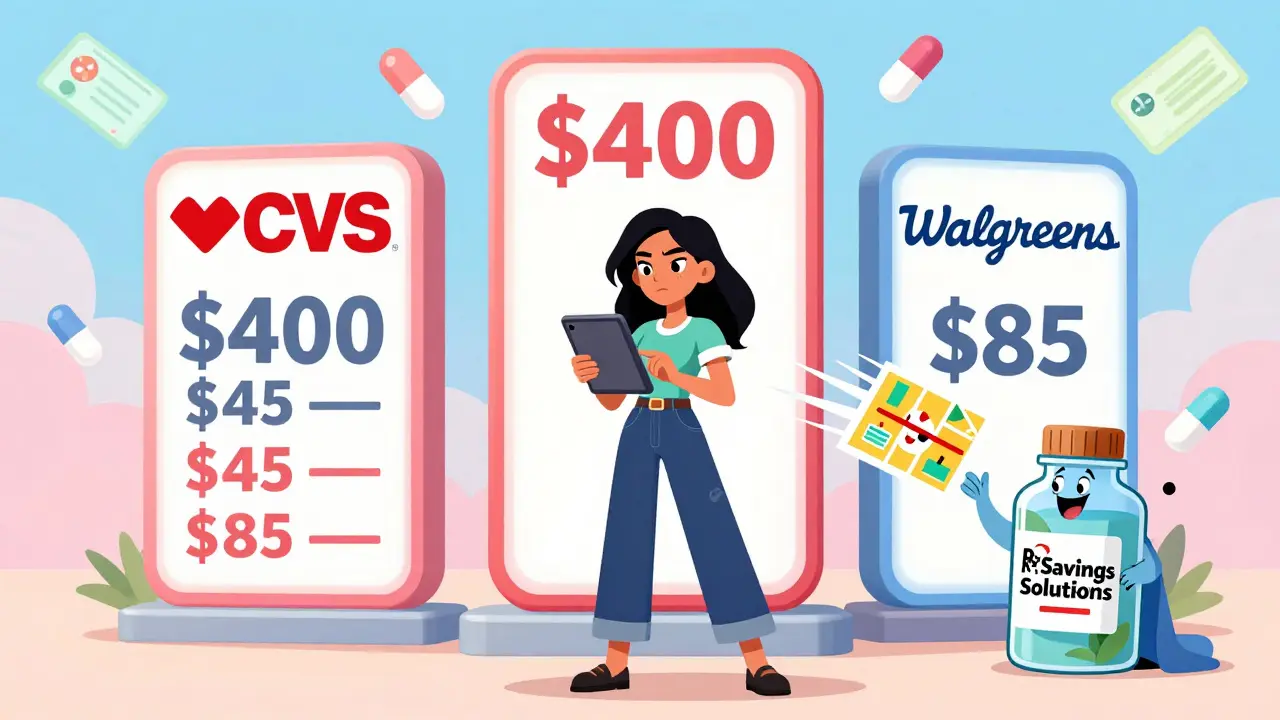
Buying prescription drugs shouldn’t feel like playing a guessing game. One pharmacy charges $400 for your monthly medication. Another down the street wants $85. Same pill. Same dosage. Same insurance. What’s going on? The answer is simple: drug costs vary wildly - and you don’t have to accept it. Thanks to federal rules and new digital tools, you can now see exactly what you’ll pay before you even walk into the pharmacy.
Why Drug Prices Are So Different
The price you see on a drug label isn’t what you pay. That’s the list price - what the manufacturer says it costs. But your insurance company has already negotiated a lower rate with the pharmacy. And if you’re using a discount card like GoodRx, that’s another price entirely. Add in your deductible, copay, or coinsurance, and suddenly you’ve got three or four different numbers floating around. This mess isn’t accidental. It’s the result of decades of opaque pricing. But things changed in 2020, when the federal government required all health insurers to give you access to real-time price estimates. By January 2024, every commercial insurance plan had to offer a tool that lets you compare drug prices across pharmacies - and show your actual out-of-pocket cost, not just the list price. That’s huge. Before this, you had to call five pharmacies, wait on hold, and hope the person on the line knew your plan details. Now, you can do it in five minutes on your phone.What You Need to Get Started
You don’t need special software or a tech degree. Here’s what you need right now:- Your insurance card (or login to your insurer’s website)
- The exact name of your medication (including dosage - e.g., “metformin 500 mg”)
- How many pills you need (30-day, 90-day, etc.)
- Your zip code
How to Compare Prices Like a Pro
Follow these steps every time you fill a new prescription:- Open your insurer’s price tool or visit FAIR Health or Rx Savings Solutions.
- Enter your medication name, dosage, and quantity.
- Enter your zip code. The tool will show nearby pharmacies - usually within a 10-mile radius.
- Look at the “Your Cost” column. Ignore the list price. Focus on what you pay after insurance.
- Compare at least three pharmacies. Prices can differ by hundreds of dollars.
- Check if the tool suggests a cheaper alternative. Some drugs have generic versions or similar medications that work just as well but cost 70% less.
- Before you leave the house, call the pharmacy and confirm the price. Sometimes systems lag, and you don’t want to be surprised at the counter.
Top Tools You Can Use Right Now
Not all tools are created equal. Here are the most reliable ones in 2026:| Tool | Best For | Requires Insurance Login? | Shows Actual Out-of-Pocket Cost? | Alternative Drug Suggestions? |
|---|---|---|---|---|
| Optum Rx | People with employer-based insurance | Yes | Yes | Yes |
| Rx Savings Solutions (RxSS) | Finding cheaper generic or therapeutic alternatives | No | Yes | Yes - identifies 83% of cost-saving opportunities |
| FAIR Health | Uninsured or out-of-network patients | No | Yes | No |
| Turquoise Health | Advanced users who want detailed data | Yes | Yes | Yes |
| Change Healthcare’s True View | Large pharmacy chains and health systems | Yes | Yes | Yes |
What These Tools Won’t Tell You
They’re powerful - but not perfect. Here are the blind spots:- Some tools still show list prices first, confusing users. Always scroll to “Your Cost” or “Estimated Patient Pay.”
- They might not include pharmacy discount programs like GoodRx or SingleCare. Always check those too - sometimes they beat your insurance.
- Specialty drugs (like those for cancer or MS) often require prior authorization. These tools may not reflect the full cost until your insurer approves it.
- Prices can change overnight. A tool might say $45, but when you get there, it’s $60 because your insurance updated your deductible.



Heather Josey
January 2, 2026 AT 10:06This is exactly the kind of information that should be front and center for every patient. I used to pay $320 for my thyroid med until I found a local pharmacy that charged $48 with my insurance. It felt like cheating - but it was just using the tools they already gave me.
Stop accepting the first price you’re given. Always check.
Thank you for making this so clear.
Donna Peplinskie
January 3, 2026 AT 05:54I’m so glad this post exists… I’ve been telling my elderly mom for months to check prices before filling prescriptions, but she didn’t know where to start. I walked her through Rx Savings Solutions last week-she saved $190 on her blood pressure med. She cried. Not from sadness-from relief.
Also, please, please, please remind people to call the pharmacy. I had a friend who trusted the app, showed up, and got charged $110 more. The system lagged. Always confirm.
Thank you for sharing this. This is healthcare equity in action.
Alex Warden
January 4, 2026 AT 13:28Why are we even talking about this? It’s 2026. You pay what they ask. If you can’t afford it, don’t take it. Stop complaining about big pharma and get a job that pays better. I’ve been paying full price for 15 years. You think you’re special because you found a cheaper pharmacy? Get over it.
Lee M
January 4, 2026 AT 16:13What this post doesn’t say is that the system is rigged. The ‘transparency’ tools? They’re built by the same insurers who profit from opacity. The data is curated. The alternatives are limited. The real cost? The loss of autonomy. You’re not comparing prices-you’re being guided by algorithms designed to keep you compliant.
True freedom isn’t finding a $48 pill. It’s refusing to need one in the first place. But that’s not a solution they’ll ever let you see.
Liam George
January 5, 2026 AT 02:23Did you know that the 2020 federal rule was pushed through by lobbying groups tied to pharmacy benefit managers? The tools you’re praising? They’re not for you. They’re for the PBMs to funnel you into preferred pharmacies that take kickbacks. FAIR Health? It’s funded by Blue Cross. RxSS? Owned by a subsidiary of Cigna.
You think you’re fighting the system? You’re just walking the path they paved for you. The real price? Your compliance.
And don’t even get me started on blockchain. That’s just digital surveillance with a fancy name.
Bill Medley
January 6, 2026 AT 22:24Use the tools. Call the pharmacy. Save money.
Simple.
Effective.
Do it.
Richard Thomas
January 7, 2026 AT 19:27There’s something deeply human about this entire ordeal. We’ve turned something as fundamental as healing into a transactional puzzle-each pill a riddle, each pharmacy a labyrinth. We’re told to be empowered, to compare, to optimize-but we’re never given the context of why this became necessary.
Is it progress when we must become financial detectives just to access medicine? Or is it a quiet collapse of trust-where the state, the insurers, the manufacturers, all agree that the patient must bear the burden of their own confusion?
I saved $800 last year using these tools. But I don’t feel victorious. I feel exhausted. And I wonder: if this is the best we can do, what does that say about us?
Paul Ong
January 9, 2026 AT 13:21Just did it. Opened my insurer app. Typed in my statin. CVS said $167. Local independent said $22. Called them. Confirmed. Went there. Paid $22.
That’s $145 a month. $1740 a year.
I’m telling everyone I know. This is free money. Just use the damn tool.
Todd Nickel
January 10, 2026 AT 14:59I ran a small audit on my own prescriptions over the past six months. I used Optum Rx, RxSS, and FAIR Health for the same set of drugs across 12 different pharmacies in my metro area. The variance in out-of-pocket costs ranged from $0 to $317 per prescription. The median difference between the highest and lowest price was $142. That’s not a glitch. That’s systemic inconsistency.
What’s more alarming is that 7 out of 12 pharmacies had outdated or incorrect data in their tools. One listed my 90-day supply as 30-day. Another didn’t reflect my deductible reset. This isn’t just about awareness-it’s about reliability. We need third-party audits of these platforms, not just marketing fluff.
Also, the suggestion feature in RxSS is genuinely impressive. It flagged that my brand-name antidepressant had a therapeutically equivalent generic that was 89% cheaper. My doctor didn’t even know. I had to bring it up. The pharmacist processed it without issue. That’s the kind of tool that should be mandatory.
But again-call the pharmacy. Always. Systems lie. People don’t.
Layla Anna
January 10, 2026 AT 17:37OMG I just saved $210 on my insulin 😭🙏 I used FAIR Health because I’m on Medicaid and my plan’s tool was useless. Found a Walmart that had it for $25. Called first, they said yes. Went, paid, cried. Thank you for this post. I’m sharing it with my mom, my cousin, my neighbor, my book club. Everyone needs this. 💙